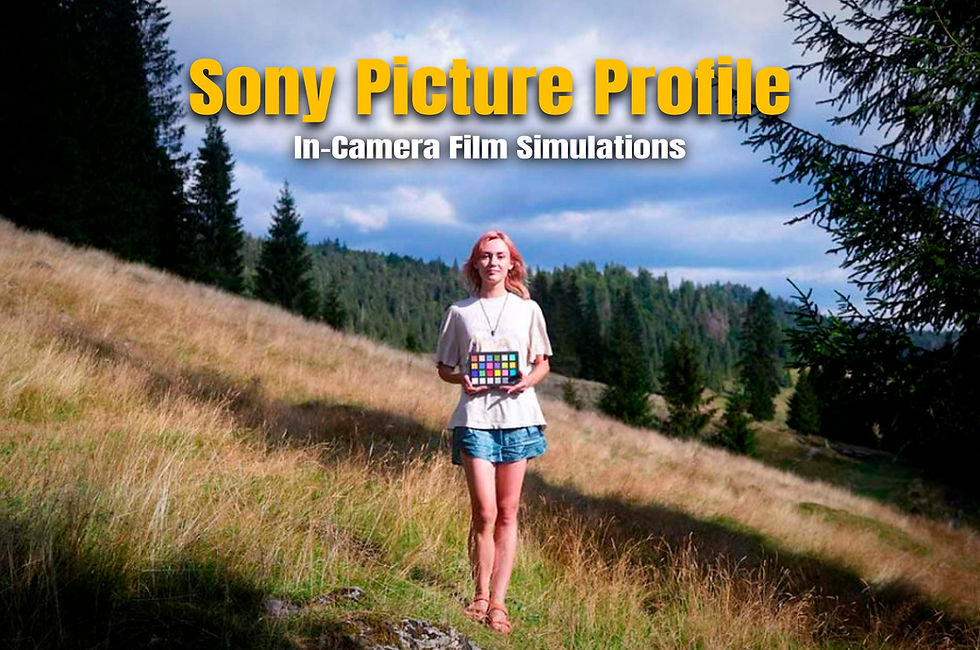
Film Presets for Lightroom - Sony Film Simulations
Love the in-camera Sony film simulations, but still want the flexibility and dynamic range of a RAW file? Your JPEGs and RAWs are finally in sync.
80 looks, 150 Film Simulation Lightroom Presets. Use them to instantly match the uncompressed RAWs to the in-camera JPEGs – or on their own for a film-inspired look that doesn’t take hours to grade.
Why 80 Looks, but 150 Presets?
For each in-camera recipe, you get 2 presets:
The JPEG Match - This preset matches your Sony Film Simulation JPEG look. For when you want your RAW files to look exactly like the JPEGs you saw on the back of your camera, without spending hours matching the two.
The FILM - The camera can only do so much on its own. This preset uses the full latitude of the RAW editor (HSL, Curves, Grain, Color Wheels and more) to get you closer to the film stock. Richer tones, deeper color nuance and a result that the camera can’t produce on its own.
Sync your RAWs to the JPEG recipe. Push the look further with the FILM preset. Or just use the presets as a standalone tool. The workflow is yours to choose.
WHO CAN USE THESE PRESETS?
Already shooting with Sony Film Simulations?
This is the missing piece of your workflow. Apply the matching JPEG Match preset to your RAW and you're back to what you saw on the back of your camera - with the full dynamic range of a RAW file underneath. Push further with the FILM preset and get even closer to the original stock the recipe was inspired by.
NOTE: These Sony Lightroom Presets match the Picture Profile Film Simulations.
Just want to bring your Sony RAWs to life without spending hours in Lightroom?
If you're shooting on an older Sony body that doesn't support Picture Profiles, or you simply want a film look without any in-camera workflow, these presets work completely standalone. Import your RAW, choose a look, and adjust to personal taste.
In any case, you get a 90% head-start on your edits. The rest is yours to shape.
Why You'll Love This
Reclaim your time.
You could spend your evenings dragging sliders in Lightroom. But maybe you don’t want to. These Sony Film Presets for Lightroom give you a 90% head start on every edit, so you can remember why you love taking photos in the first place.
A preset pack that's actually made for your Sony camera.
These presets were calibrated directly on the Sony a6700, which means newer Sony models will match the look without any problems.
They work well across most modern Sony bodies: the closer your camera is to the a6700 in Sony's color science timeline, the more accurate the match. Older models (like the a7II or a6000 series) will get a great starting point but may need a few minor tweaks to dial it in perfectly.
Find the right look, for any scene.
A bright beach portrait and a dark fluorescent-lit diner require different presets. With 80 distinct film looks, you're not forcing one look onto every shot. You have options, and you'll find something that fits.
Your JPEGs & RAWs, finally in sync
If you're already shooting with Sony Film Simulations, this is the missing piece of your workflow. You get the instant joy of seeing rich, filmic colours on the back of your LCD while you shoot, and your RAW files pick up where the camera left off. Same look or further. Full dynamic range, and editing latitude.
Preview each recipe before loading it into your Sony.Wondering whether Kodak Gold or Portra 800 will suit your afternoon shoot? Hover over the JPEG presets in Lightroom to see exactly how each recipe will look before you load it into your Sony.
Lifetime Updates
Subscribe to the newsletter and you'll receive any updates I make to the pack.